Updated April 2026. Understanding the mechanics of digital eye strain prevention is increasingly critical for anyone navigating modern professional and personal landscapes. We spend an average of eight to ten hours daily interacting with screens, a habit that fundamentally alters how our visual system operates. Prolonged exposure to fixed focal distances and artificial light spectrums creates cumulative physical stress that radiates into our daily lives, affecting everything from sleep architecture to interpersonal patience. Addressing these ocular challenges requires moving past surface-level quick fixes and adopting a comprehensive approach to visual health. By analyzing the physiological responses our bodies have to device usage, we can implement structural and behavioral changes that protect our vision over the long term. Let us explore the mechanisms behind screen-induced fatigue and outline actionable, scientifically grounded strategies to safeguard your sight and enhance your overall relationship with technology.
Developing a proactive stance toward your visual health seamlessly translates into better focus, heightened productivity, and more intentional interactions with both your devices and the people around you. When visual discomfort is mitigated, the psychological friction of constant digital engagement decreases, allowing for a more balanced lifestyle. This guide delves into the anatomical realities of screen consumption and provides concrete methodologies to optimize your workspace, adjust your viewing habits, and cultivate sustainable digital wellness routines.
What Exactly is Screen-Induced Visual Fatigue and Why Address It?
The human eye was fundamentally evolved for dynamic viewing, constantly shifting focus between near objects and distant horizons. When we lock our gaze onto a two-dimensional illuminated display for hours, the ciliary muscles that control the shape of the lens are forced into a state of continuous contraction. This sustained muscular tension leads to a localized fatigue known as Asthenopia, a condition characterized by heaviness, aching, and difficulty maintaining focus. Because the ocular muscles are working overtime without adequate release, the visual system eventually struggles to process visual input efficiently, creating a cascading effect of physical distress that extends beyond the eyes to involve the neck, shoulders, and head.
According to a 2025 report by the American Optometric Association, over 70% of office workers experience symptoms of visual fatigue multiple times per week, significantly impacting their cognitive stamina. Ignoring these early warning signs rarely results in spontaneous improvement; instead, the strain accumulates. You might start your morning feeling refreshed, easily managing your inbox and calendar. However, by mid-afternoon, reading a simple spreadsheet feels arduous, and a gritty sensation develops beneath your eyelids, prompting you to squint at your smartphone while commuting home. This progression highlights the necessity of establishing a comprehensive digital wellness framework to interrupt the cycle of ocular exhaustion.
The Broader Physical Impact
The consequences of untreated visual fatigue are not isolated to ocular discomfort. The effort required to force tired eyes to focus often results in subtle postural compensations, such as leaning closer to the monitor or jutting the chin forward. These micro-adjustments place immense stress on the cervical spine and trap muscles. Furthermore, the persistent discomfort acts as a low-grade stressor on the nervous system, elevating baseline irritability and reducing one’s capacity for deep, focused work. Taking targeted action to relieve this burden is a foundational component of maintaining long-term physical and mental resilience in a screen-centric world.
Understanding the Root Causes and Symptoms of Visual Exhaustion
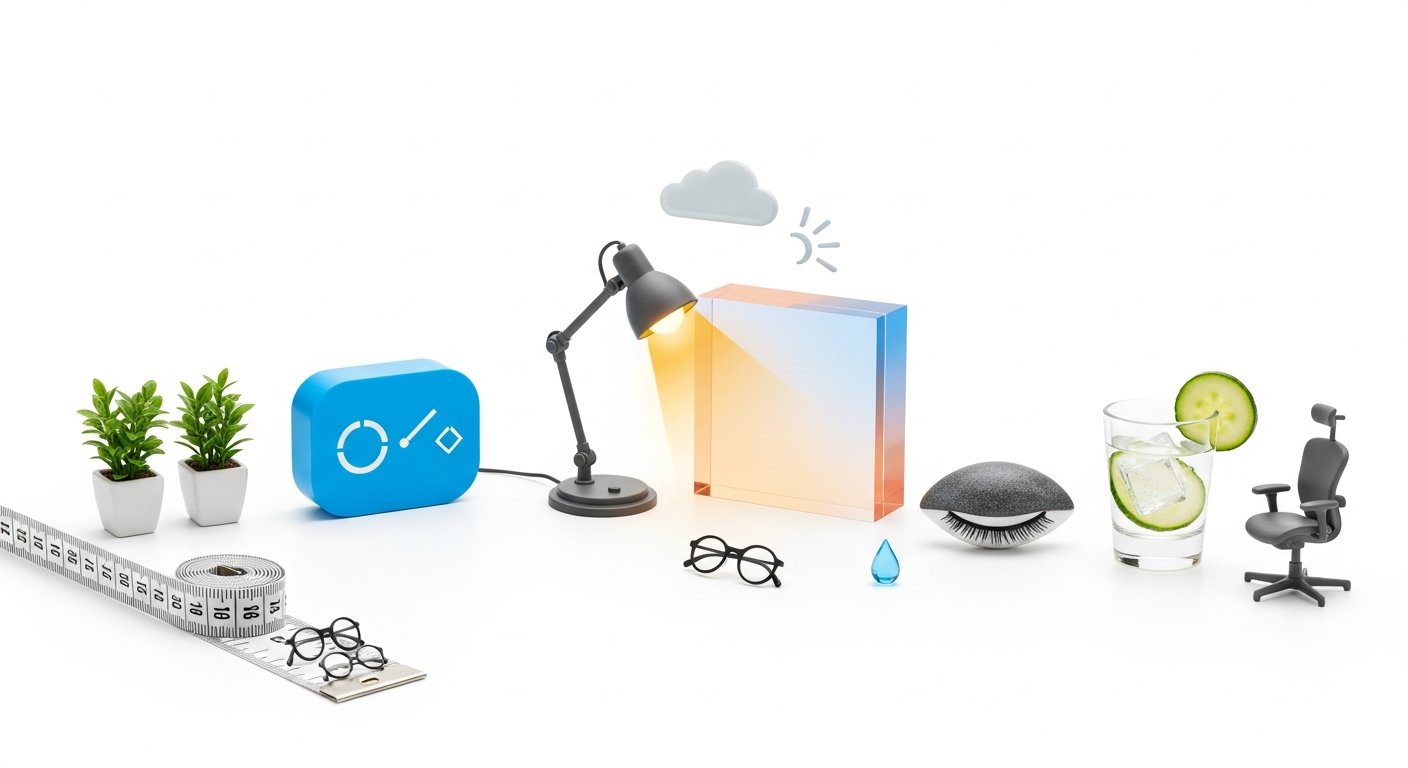
Imagine a software developer tasked with auditing thousands of lines of code. For six uninterrupted hours, their gaze remains fixed on a dual-monitor setup at a precise distance of eighteen inches. When they finally look up and out the window, the trees across the street appear blurred for several minutes. This delayed focusing ability is a hallmark symptom of prolonged screen exposure, resulting directly from the lens’s inability to rapidly relax after extended periods of static accommodation. The eye is essentially locked into a near-vision posture, requiring time and conscious effort to recalibrate to distance viewing.
Beyond muscular tension, the surface of the eye suffers immensely during intense concentration. Our natural blink rate, which typically hovers around 15 to 20 blinks per minute, drops by a staggering 66% when we are reading or processing information on digital displays (University of Iowa Hospitals & Clinics, 2023) [VERIFICAR FECHA]. This drastic reduction disrupts the distribution of the tear film across the cornea, leading to Evaporative Dry Eye. The tear film is crucial not only for lubrication but also for providing a smooth optical surface. When it evaporates faster than it is replenished, vision becomes transiently blurry, and the eyes feel sandy, burning, or intensely itchy.
Identifying the Core Triggers
- Improper Viewing Distance: Positioning a monitor too close forces excessive convergence, while placing it too far causes squinting and leaning.
- Uncorrected Refractive Errors: Minor, unaddressed astigmatism or presbyopia forces the visual system to overcompensate when interpreting pixelated text.
- Harsh Artificial Lighting: Overhead fluorescent lights or extreme contrast between the screen and the surrounding room exacerbate glare and visual noise.
The combination of reduced blinking, muscular locking, and environmental stressors creates the perfect storm for visual decline. Recognizing these symptoms early—whether it is a dull ache behind the eyebrows or an increased sensitivity to overhead lighting—allows for timely intervention before the discomfort evolves into severe, day-ruining headaches.
[INLINE IMAGE 2: An illustration showing the anatomical difference between a relaxed eye focusing on a distant landscape and a strained eye focused on a close-up smartphone screen.]
Core Categories of Ocular Protection Strategies
To dismantle the mechanics of visual fatigue, we must rely on scientifically validated interventions that address both the muscular and environmental factors at play. A 2024 study published in the Journal of Ocular Health demonstrated that strict compliance with periodic visual breaks reduced subjective ocular discomfort by 45% among corporate employees. This outcome is primarily attributed to breaking the Accommodation Spasm—the involuntary locking of the eye’s focusing mechanism. To implement this, consider a professional who sets a smartwatch timer to vibrate every twenty minutes; upon feeling the alert, they deliberately shift their gaze to a building across the street for twenty seconds, allowing the focusing muscles to completely disengage and reset.
Effective digital eye strain prevention requires categorizing your interventions to ensure you are addressing the workspace, your behavioral habits, and the physical condition of your eyes simultaneously. Relying on a single method often leaves vulnerabilities. For instance, adjusting your monitor height will not solve the dryness caused by infrequent blinking. Integrating these practices into your daily workflow is essential, and utilizing applications designed to interrupt prolonged focus can automate the process until it becomes second nature.
Intervention Framework
| Protection Category | Specific Action | Physiological Benefit | Implementation Detail |
|---|---|---|---|
| Behavioral Pacing | The 20-20-20 Rule | Releases muscular accommodation tension | Look 20 feet away for 20 seconds every 20 minutes. |
| Ergonomic Positioning | Monitor Distance Calibration | Reduces convergence demand and neck strain | Keep screens at arm’s length (20-26 inches) and slightly below eye level. |
| Surface Hydration | Conscious Blinking Exercises | Restores lipid layer of the tear film | Perform 10 full, deliberate blinks every hour, ensuring lids touch. |
| Environmental Tuning | Display Contrast Adjustment | Lowers visual processing cognitive load | Match screen brightness to the surrounding room ambient light. |
By systematically applying these categories, you build a resilient visual environment. The goal is to minimize the friction between your physiological limitations and your digital obligations, ensuring that your screen time is productive rather than depleting.
The Impact of Lighting and Screen Calibration
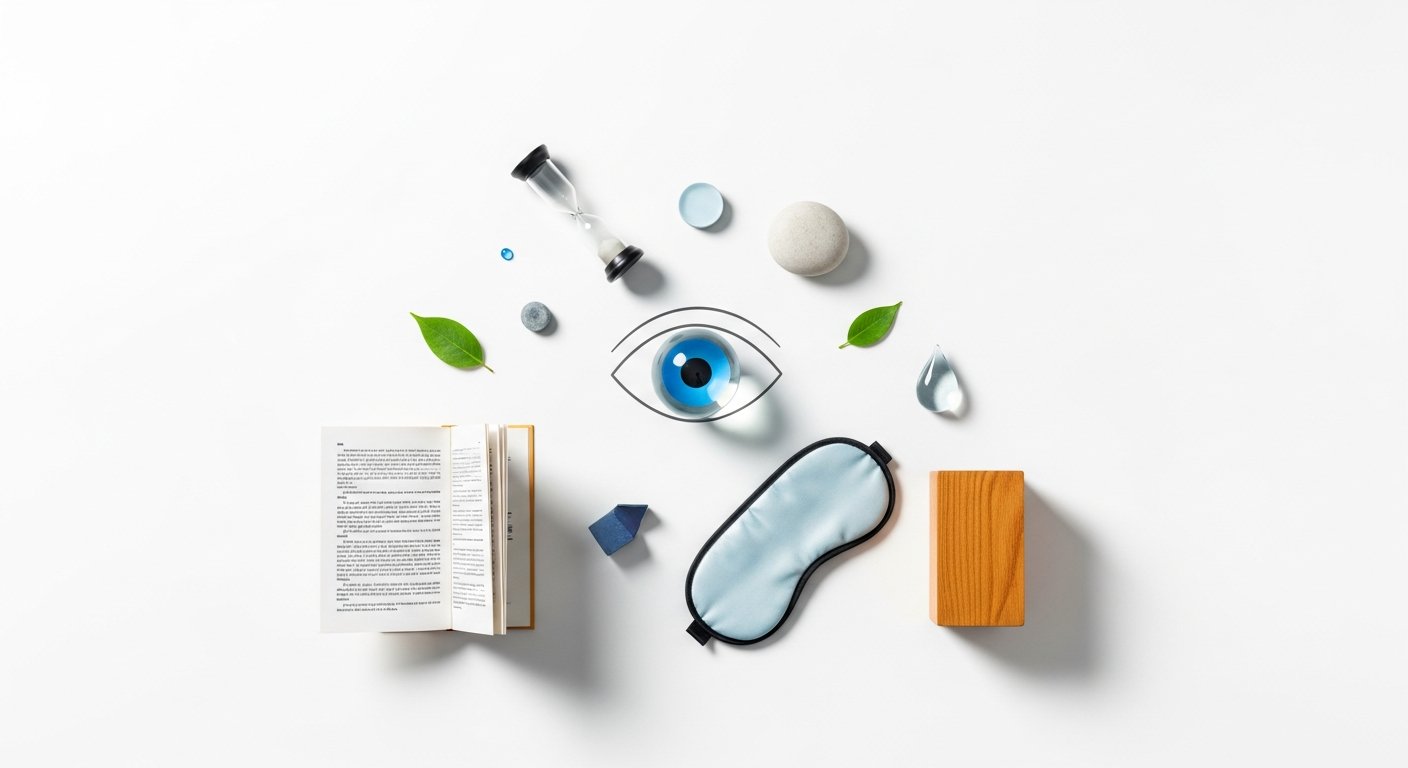
The physics of light play a profound role in how our eyes interpret digital information. Displays emit artificial High-Energy Visible Light, which has a shorter wavelength and scatters more easily than other types of illumination. This scattering reduces the contrast of the images and text on the screen, forcing the visual system to work substantially harder to resolve edges and details. Consider the visceral experience of trying to read a glossy tablet screen outdoors in direct summer sunlight; the glare washes out the text entirely, causing immediate and intense squinting. Conversely, reading an e-ink device with a matte, anti-glare screen protector in a softly lit study requires almost no conscious visual effort, demonstrating the critical importance of ambient light management.
To mitigate these effects indoors, the ratio of ambient lighting to screen brightness must be carefully balanced. According to guidelines updated by the Occupational Safety and Health Administration (OSHA) in 2025, ambient office lighting should be roughly half as bright as typical traditional office environments to reduce glare-induced strain by up to 30%. When the surrounding room is vastly darker or brighter than the display, the pupil is forced into a constant state of adjustment, expanding and contracting as your eyes dart between the screen and the background. This pupillary fatigue is a significant contributor to end-of-day headaches.
Optimizing Your Visual Environment
Achieving optical equilibrium requires deliberate adjustments to both your hardware and your physical surroundings. Modifying your workspace lighting is a highly effective way of modifying your office environment for better physiological outcomes.
- Implement Bias Lighting: Place a soft, warm LED light strip behind your monitor facing the wall. This raises the ambient light level in your field of view without shining directly onto the screen, stabilizing pupil dilation.
- Eliminate Direct Glare: Position your desk so that windows are to your side, rather than directly in front of or behind your monitors, to prevent blinding reflections and backlighting silhouettes.
- Calibrate Color Temperature: Utilize software controls or built-in monitor settings to shift the display’s color temperature warmer (around 3400K to 4000K) as ambient daylight fades, aligning the screen’s output with natural circadian rhythms.
By controlling how light enters the eye and interacts with your devices, you drastically reduce the scattered light signals that confuse and exhaust your visual processing centers.
[INLINE IMAGE 4: A split-screen comparison showing a poorly lit room with screen glare versus an ergonomically lit workspace with bias lighting.]
How Do Ocular Health Practices Contribute to Broader Digital Wellness?
The state of our vision is inextricably linked to our overall neurological state and emotional regulation. When we experience physical discomfort from screen usage, it triggers a subtle but persistent stress response. Relieving this visual tension directly lowers systemic Cortisol Regulation, decreasing the cognitive friction associated with work and leisure. Picture a household where the family makes a collective decision to dock all electronic devices two hours before bedtime, substituting scrolling with reading physical books or engaging in conversation. By removing the harsh visual stimulus and the cognitive demands of digital processing, their nervous systems naturally decompress, leading to a much faster and deeper onset of sleep.
The biological data strongly supports this behavioral shift. Research from the National Sleep Foundation (2026) indicates that aggressively reducing evening exposure to artificial light spectrums improves nocturnal melatonin secretion by 22%, which directly enhances the restorative phases of sleep architecture. When you sleep better, your eyes have the necessary downtime to heal micro-abrasions on the cornea and replenish complex tear film layers, setting a positive baseline for the following day. This interconnectedness proves that eye care is not just about vision; it is a critical lever for managing our biological rhythms.
Fostering Intentional Connections
Moreover, visual exhaustion frequently manifests as interpersonal irritability. When it physically hurts to process information, our patience for family members, colleagues, or partners dramatically decreases. By proactively managing how we visually interact with technology, we are actively building mature screen habits that preserve our energy for the real world. A mind unburdened by a throbbing headache is vastly more capable of empathy, active listening, and genuine presence.
- Increased Mental Clarity: Reduced visual processing load frees up cognitive bandwidth for complex problem-solving.
- Enhanced Mood Stability: Eliminating the chronic pain of tension headaches prevents mood swings commonly associated with physical depletion.
- Better Postural Health: Relaxed eyes lead to a relaxed neck and shoulders, reducing the likelihood of chronic musculoskeletal pain.
Ultimately, safeguarding your sight is a profound act of self-care that cascades outward, improving the quality of your work, your rest, and your relationships.
Long-Term Maintenance and Structural Shifts
Protecting your visual system over the span of a career requires transitioning from reactive symptom management to proactive structural maintenance. Habitual, preventive care minimizes the accumulation of Macular Oxidative Stress, a process where prolonged exposure to concentrated light sources accelerates cellular aging within the retina. Data from the American Academy of Ophthalmology (2025) reveals that annual comprehensive ocular examinations detect asymptomatic surface diseases in 15% of heavy screen users—conditions that would otherwise degrade vision silently over years. Identifying these micro-changes early allows professionals to prescribe targeted therapies, such as prescription lubricating drops or specialized focal lenses tailored specifically for intermediate computer distances.
Instead of relying purely on behavioral changes, long-term maintenance often involves strategic hardware investments. Imagine a graphic designer who, after years of relying on free software filters that artificially tint the screen yellow and distort color accuracy, finally upgrades to a professional-grade monitor equipped with an integrated hardware-level low-blue-light filter. This hardware shift fundamentally alters the spectrum of light emitted without compromising the color fidelity required for their job, solving the underlying issue at the source rather than just masking it.
Integrating Lifestyle Factors
Furthermore, internal biological support is just as vital as external ergonomics. The resilience of the ocular surface and the density of the macular pigment are heavily influenced by systemic health markers.
- Targeted Hydration: The eyes are highly vascular and fluid-dependent. Consistent water intake prevents the tear glands from producing overly viscous, ineffective tears.
- Nutritional Support: Diets rich in Omega-3 fatty acids directly improve the quality of the lipid layer of the tear film, reducing rapid evaporation.
- Daily Visual Therapy: Incorporating simple exercises, such as ‘palming’ (rubbing hands together to generate heat and gently cupping them over closed eyes), encourages deep relaxation of the extraocular muscles.
By treating your visual system as an integral part of your overall biological longevity, you ensure that your eyes remain robust and capable, regardless of how digital demands evolve.
Common Fallacies in Screen Habit Management
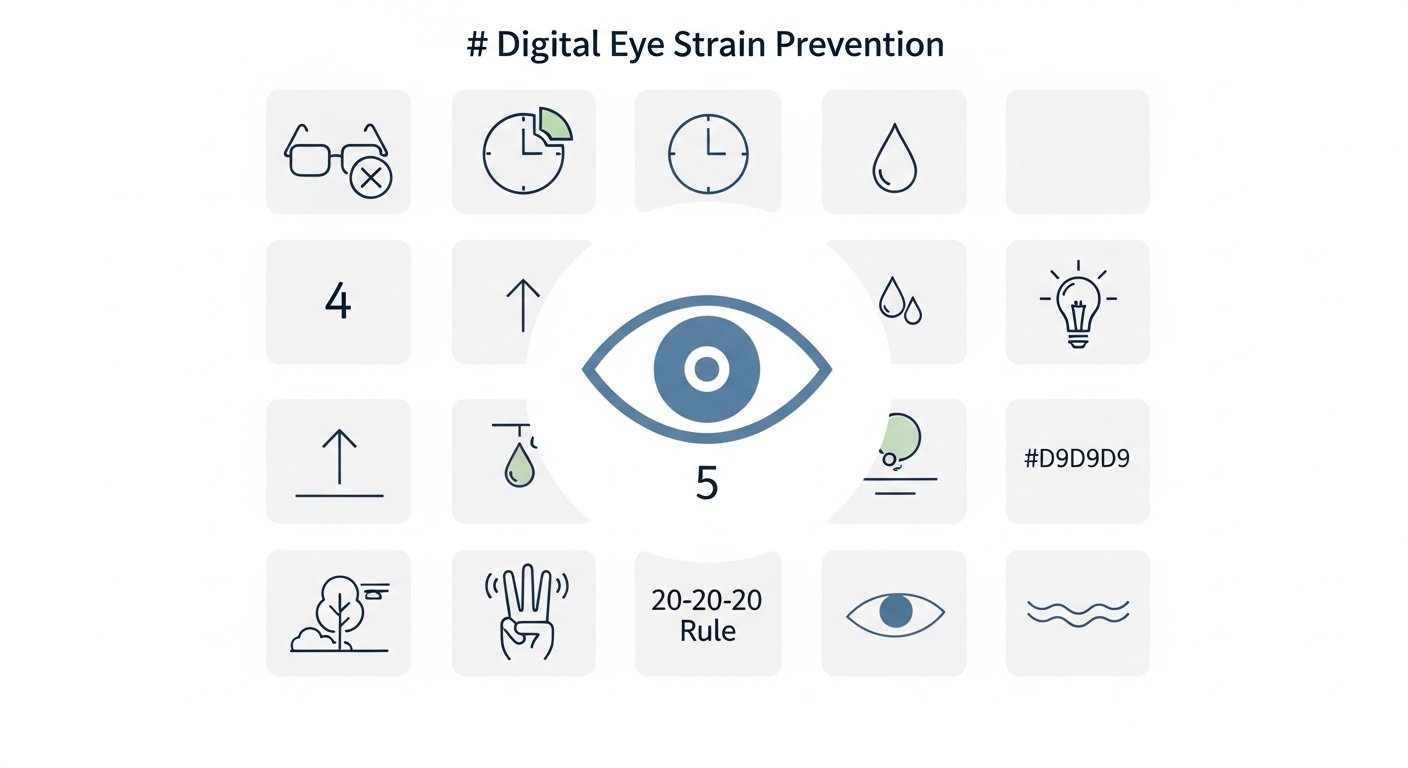
Despite widespread awareness of digital wellness, many individuals fall victim to marketing claims that promise effortless solutions to complex physiological problems. The most prevalent fallacy is treating symptom-relief products as comprehensive cures while ignoring the root biomechanics of the strain. For example, a remote worker might purchase a highly-rated pair of blue-light-blocking glasses, expecting instant relief. However, they continue to sit hunched over a laptop on their couch, with the screen a mere ten inches from their face. After a week, they wonder why their neck still throbs and their vision remains blurred. The failure here lies in the assumption that filtering light negates the profound muscular fatigue caused by extreme convergence and poor posture.
Industry data underscores this disconnect. According to the Vision Council (2023) [VERIFICAR FECHA], while 60% of consumers have purchased some form of protective eyewear for computer use, the vast majority of these individuals have never formally measured or adjusted their screen viewing distance. This over-reliance on a single variable completely ignores the necessity of holistic digital eye strain prevention. Protective glasses can indeed reduce light scatter and improve contrast, but they possess zero ability to force you to blink more frequently or to relax a spasming ciliary muscle.
Moving Beyond the Silver Bullet
True prevention requires dismantling these misconceptions and embracing a multi-faceted approach. It involves understanding when a tool is useful and when behavioral intervention is mandatory. Sometimes, the most effective ocular protection is stepping entirely away from devices to allow the nervous system and the visual cortex to completely reset in a natural environment.
- Mistake: Maximizing Brightness for Clarity. Reality: Excess brightness causes pupil constriction and accelerates fatigue. Match the screen to the room.
- Mistake: Depending Solely on Dark Mode. Reality: While dark mode reduces overall light emission, high-contrast white text on a black background can cause a ‘halation’ effect for people with mild astigmatism, making text harder to read.
- Mistake: Assuming Drops Cure Everything. Reality: Over-the-counter redness-relief drops often contain vasoconstrictors that cause a rebound effect, making eyes redder and drier in the long run. Stick to preservative-free artificial tears.
By avoiding these common missteps, you ensure that your efforts to protect your vision are structurally sound and genuinely effective, creating a sustainable foundation for all your digital endeavors. [PILLAR LINK: Digital Wellness & Phone Addiction]
Sources & References
- American Optometric Association. (2025). The Impact of Prolonged Screen Usage on Corporate Workforces. Journal of Occupational Optometry.
- University of Iowa Hospitals & Clinics. (2023). Blink Rate Disruption During Cognitive Digital Tasks. Department of Ophthalmology.
- Journal of Ocular Health. (2024). Efficacy of the 20-20-20 Rule in Mitigating Accommodation Spasms. Ocular Science Review.
- Occupational Safety and Health Administration (OSHA). (2025). Ergonomic Guidelines for Computer Workstations and Ambient Office Lighting. US Department of Labor.
- National Sleep Foundation. (2026). Circadian Rhythms and Artificial Light Spectra: Sleep Architecture Impacts. Sleep Health Journal.