
The Ultimate Guide: How to Do a Digital Declutter Step by Step (2026 Edition)
In our hyper-connected 2026 landscape, our digital lives have become just as cluttered as our physical ones—perhaps even more so. We carry around “invisible weight” in the form of 15,000 unorganized photos, hundreds of unused apps, and a constant stream of notifications that shatter our focus. This digital noise isn’t just a matter of storage space; it’s a direct drain on our mental health, contributing to “brain fog,” anxiety, and a plummeting attention span.
If you find yourself mindlessly scrolling at 2:00 AM or feeling an immediate spike in cortisol when you see 400 unread emails, it’s time for a digital declutter. This process isn’t about becoming a luddite; it’s about reclaiming your time and ensuring your devices serve you, rather than the other way around. In this comprehensive guide, we will walk through a step-by-step framework to prune your digital existence, reduce phone addiction, and build a sustainable relationship with technology.
—
Step 1: Audit Your Digital Landscape and Set Intentions
Before you start hitting the “delete” button, you need to understand the scale of your digital footprint. Digital clutter is insidious because it is weightless and often hidden in “the cloud.” Start by taking an inventory of where you spend your time and where your data lives.
Check your screen time settings on your smartphone. Which apps are the biggest time-sinks? Are they providing value, or are they simply “zombie apps” you open out of habit? Next, look at your storage. Is your phone storage at 95% capacity? Is your email inbox a graveyard of newsletters you never signed up for?
Set a clear intention for this declutter. Are you trying to reclaim two hours of your day? Do you want to stop feeling overwhelmed by your computer desktop? By defining your “why,” you create the psychological leverage needed to let go of digital hoards. In 2026, wellness is increasingly defined by our ability to disconnect; this audit is the first step toward that freedom.
Step 2: The Smartphone Purge – Reclaiming Your Primary Interface
For most of us, the smartphone is the epicenter of digital addiction. It is the most used tool and, consequently, the most cluttered. To declutter your phone effectively, follow the “One-Screen Rule.”
First, **delete with prejudice**. Go through every single app. If you haven’t opened it in the last three months, delete it. You can always redownload it if a niche need arises, but for now, clear the space. Pay special attention to games designed with “dark patterns” meant to keep you hooked and social media apps that make you feel inadequate.
Second, **organize by utility**. Move all “tool” apps (Maps, Notes, Calendar, Camera) to your primary home screen. Everything else—especially distracting apps—should be moved to the second screen or tucked away in folders.
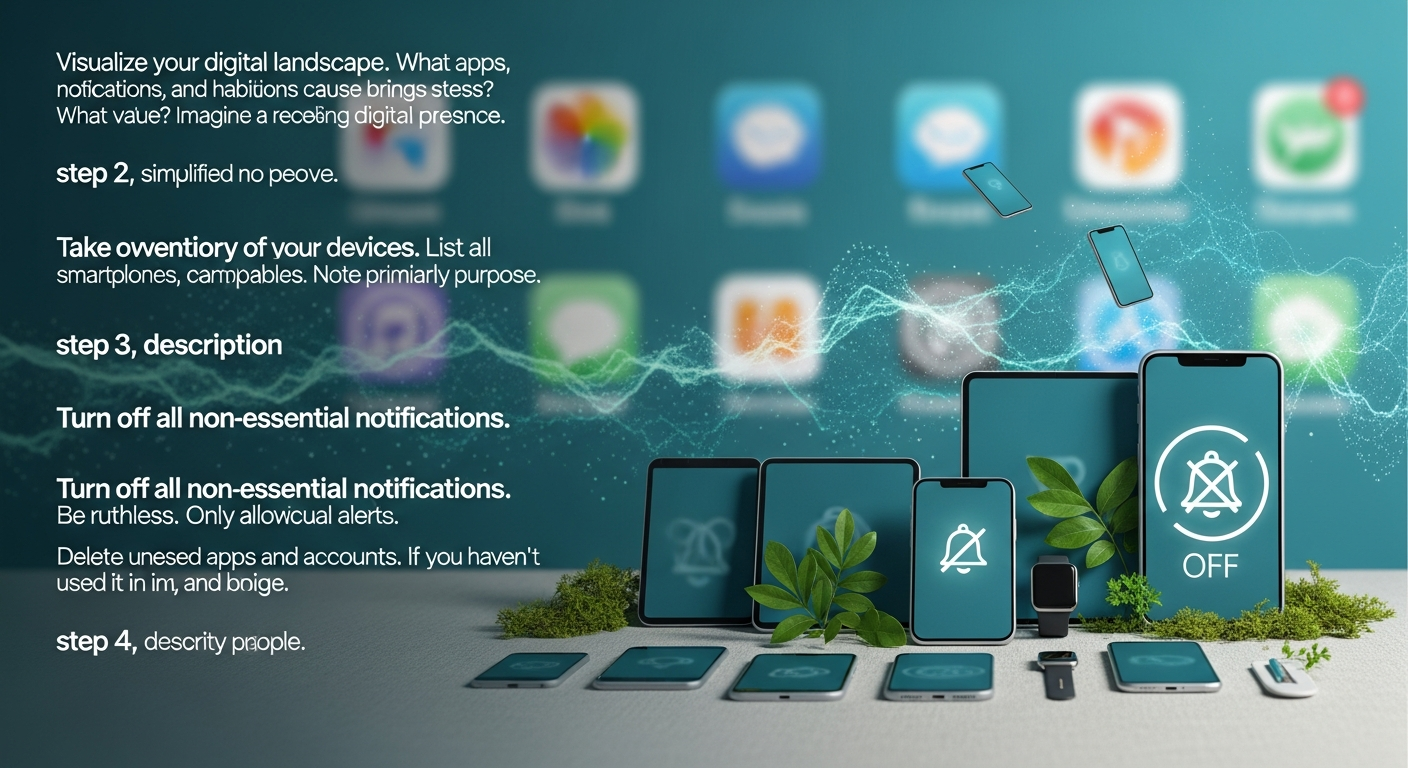
Third, **silence the noise**. Go to your notification settings and turn off everything except for essential communications (calls and direct texts from humans). In 2026, the “red dot” notification is one of the most significant contributors to dopamine-loop addiction. By removing the visual cues for attention, you regain control over when you check your phone.
Step 3: Mastering the Inbox and Cloud Storage
Email is often the largest source of “low-grade anxiety” in our professional and personal lives. A cluttered inbox is essentially a to-do list created by other people. To do a step-by-step declutter here, you must move toward “Inbox Zero” principles—or at least “Inbox Clarity.”
Start by searching for the word “Unsubscribe.” Spend 20 minutes clicking those links in every promotional email you find. Use a mass-unsubscription tool if necessary, but manual pruning is often more thorough. For the emails that remain, create a simple three-folder system: **Action Required**, **Awaiting Reply**, and **Archive**. Everything else should be deleted or moved into the Archive where it remains searchable but out of sight.
Next, tackle your cloud storage (Google Drive, iCloud, Dropbox). We often treat the cloud as a digital attic where we throw things we might need “someday.” Create a logical folder hierarchy: Personal, Finance, Work, and Memories. Delete duplicate files and blurry photos. In 2026, AI-driven photo organizers can help you identify and delete “burst” shots or screenshots you no longer need, significantly cutting down on storage costs and visual clutter.
Step 4: Social Media Curation and the “Mute” Strategy
Social media addiction is rarely about the platform itself and usually about the content feed. To declutter your social life, you need to perform an “influence audit.”
Go through your “Following” list on platforms like Instagram, TikTok, or X (formerly Twitter). Ask yourself: *Does this account inspire me, educate me, or bring me genuine joy?* If the answer is no—or if the account triggers feelings of envy or anger—unfollow immediately.
If you cannot unfollow someone for social reasons (like a family member or colleague), use the “Mute” function. This allows you to stay connected without their content cluttering your daily feed. Remember, your “Feed” is your digital environment. Just as you wouldn’t want trash in your living room, you shouldn’t allow digital garbage to occupy your mental space. Aim for a curated feed that reflects your 2026 goals and values, not the algorithm’s whims.
Step 5: The Desktop and File System Cleanse
Your computer’s desktop is your digital workspace. A desktop covered in icons is the equivalent of a physical desk covered in loose papers; it creates “visual noise” that makes it harder to start complex tasks.
Start by moving every file on your desktop into a single folder labeled “To Sort.” This gives you an immediate clean slate. Then, set a timer for 30 minutes to move those files into their permanent homes or the trash.
Empty your “Downloads” folder—this is usually a temporary transit zone that people accidentally turn into permanent storage. Once your files are organized, use a minimalist wallpaper. A clean, high-resolution image of nature or a solid neutral color can significantly lower your stress levels when you boot up your computer for work. Finally, uninstall programs you no longer use and clear your browser’s cache and old bookmarks. A “lean” machine runs faster and helps you work with more intention.
Step 6: Establishing Boundaries and Maintenance Habits
A digital declutter is not a one-time event; it’s a lifestyle change. To prevent the clutter from returning, you must establish “digital hygiene” habits.
Implement a “Digital Sabbath”—one day a week (or even just a Sunday afternoon) where all devices are turned off or placed in a drawer. This resets your dopamine receptors and reminds you that the world exists outside the screen.
Set a “Tech Sunset” every evening. At least 60 minutes before bed, put your phone in a dedicated charging station outside the bedroom. This reduces phone addiction by removing the temptation to scroll in bed and improves sleep quality by eliminating blue light exposure. Finally, schedule a “Monthly Mini-Declutter.” Every 30 days, spend 15 minutes deleting new photos you don’t need and clearing your downloads. In 2026, staying digitally well requires constant, small efforts rather than rare, massive overhauls.
—
FAQ: Frequently Asked Questions about Digital Decluttering
#
1. How long does a full digital declutter take?
If you are doing it all at once, expect it to take 4 to 6 hours. However, most people find it more manageable to break it into “micro-tasks” over the course of a week (e.g., Day 1: Smartphone, Day 2: Email, etc.). The key is consistency, not speed.
#
2. Will I lose important memories if I delete photos?
The goal isn’t to delete your life story, but to remove the “noise.” You likely have 10 photos of the same sunset or 50 accidental screenshots. By deleting the duplicates and the “bad” shots, you actually make your real memories easier to find and more precious.
#
3. What if I need an app or file I deleted later?
In the age of high-speed internet and cloud computing, almost everything can be recovered. Most apps store your data in the cloud, so redownloading them brings back your progress. If you are nervous, back everything up to an external hard drive before you start your “purge.”
#
4. How can I stop the “scroll itch” after I’ve decluttered?
Digital addiction is a physiological response. When you remove the apps, your brain will still seek that dopamine hit. Replace the habit with a physical one: keep a book nearby, a journal, or even a fidget toy. Over time, your brain will re-wire itself to find satisfaction in slower, more meaningful activities.
#
5. Is it necessary to delete social media entirely?
Not necessarily. For many, social media is a tool for work or staying in touch with distant family. The goal of a digital declutter is *intentionality*. If you can use social media for 15 minutes a day and feel good, keep it. If you find it’s a “black hole” for your time, consider deleting the app from your phone and only checking it via a desktop browser.
—
Conclusion: Reclaiming Your Mental Real Estate
Doing a digital declutter in 2026 is an act of self-care. We live in an era where our attention is the most valuable commodity on earth, and thousands of engineers are working around the clock to keep us glued to our screens. By following this step-by-step guide, you are staging a “quiet rebellion” against the noise.
You will likely find that as your folders become organized and your notification count drops to zero, your internal world follows suit. You’ll have more “deep work” capability, less ambient anxiety, and more time for the people and hobbies that truly matter. Digital wellness isn’t about the absence of technology; it’s about the presence of purpose. Start your declutter today—one app, one email, and one photo at a time—and rediscover the clarity that comes with a simplified digital life.