
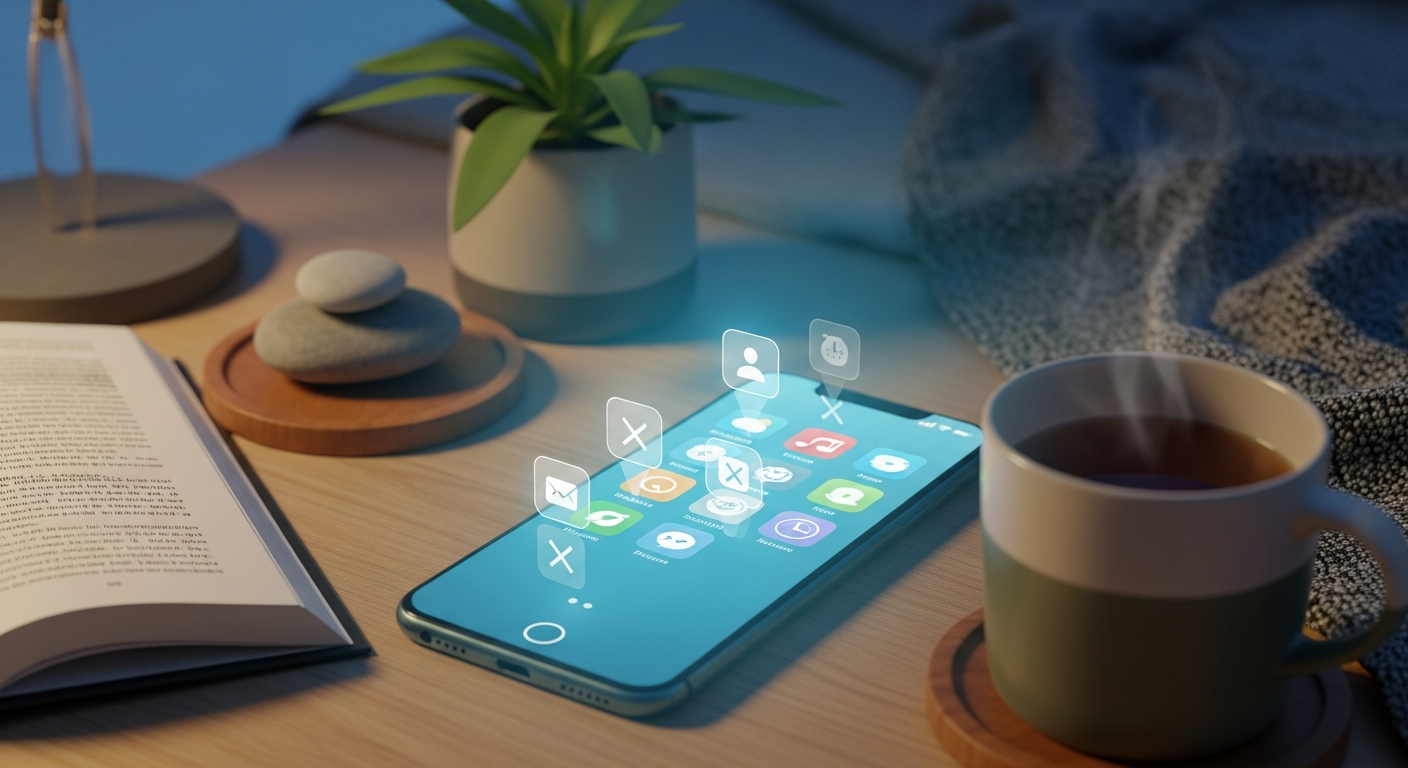
The Digital Minimalism Hack: How to Delete Social Media Apps Without Quitting the Platforms
In our hyper-connected era, the narrative around digital wellness often feels binary. We are told we must either succumb to the dopamine-drenched “doom-scrolling” of the attention economy or perform a “digital detox” by deleting our accounts entirely. But for most of us, quitting social media isn’t a realistic option. We rely on these platforms for professional networking, community groups, family updates, and staying informed.
The problem isn’t necessarily the platforms themselves; it’s the way we access them. Mobile apps are meticulously engineered by teams of psychologists to be as frictionless and addictive as possible. They live in our pockets, vibrating with every notification, demanding our attention at every red light and elevator ride.
What if there was a middle ground? As we look toward the digital landscape of 2026, more users are adopting a “hybrid” approach: deleting the apps while keeping the accounts. This strategy allows you to reclaim your focus without losing your connection to the world. Here is how to master the art of being “app-less” while remaining social.
1. The Psychology of Friction: Why Deleting the App Works
The primary reason social media apps are so addictive is the lack of “friction.” Friction, in UX design, is anything that slows a user down. To maximize profit, social media companies remove every possible barrier between your desire and their content. FaceID unlocks the phone, a single tap opens the app, and “infinite scroll” ensures you never reach a natural stopping point.
By deleting the app and moving your usage to a web browser—either on your phone or a computer—you intentionally reintroduce friction. This is often called the “20-second rule.” If a task takes more than 20 seconds to start, you are significantly less likely to do it impulsively.
When you delete the Instagram or TikTok app, you break the muscle memory of your thumb. When you feel that phantom itch to check your feed, you’ll realize the app is gone. To check it now, you have to open a browser, type in the URL, and potentially log in. That small window of time is often enough for your “logical brain” to override your “impulsive brain,” giving you the space to ask: *“Do I actually want to check this, or am I just bored?”*
2. Moving Your Social Life to the Mobile Web Browser
Deleting the app doesn’t mean you can never see a photo of your niece or check a local event on Facebook again. It simply means you move those activities to your mobile browser (like Safari, Chrome, or Brave).
Using social media through a mobile browser is a vastly different experience—and that’s a good thing. Browsers are inherently clunkier for social media. They don’t support the same level of seamless scrolling, the video players are less immersive, and, most importantly, they don’t send push notifications.
When you use the mobile web version:
* **Notifications Die:** You are no longer at the beck and call of an algorithm. You check the site when *you* decide, not when a red bubble tells you to.
* **The Experience is “Worse”:** You’ll find that without the high-resolution interface of the app, you naturally spend less time on the site. You do what you came to do—reply to a message or check a group—and then you leave.
* **Privacy Increases:** Mobile browsers offer better tracking protection than native apps, which are designed to harvest as much data as possible from your device’s hardware.
3. Reclaiming the Desktop Experience
In the early days of the internet, social media was a “destination.” You sat down at a computer, logged in, spent thirty minutes catching up, and then you “left” the internet. One of the most effective ways to delete social media apps without quitting is to revert to this “destination” model.
Commit to only checking social media on a desktop or laptop computer. This immediately tethers your digital social life to a specific physical location. You can’t scroll your Facebook feed while walking the dog or during a dinner date if the only way to access it is sitting at your desk.
This shift transforms social media from a constant, ambient background noise in your life into a conscious activity. By 2026, experts predict that the most successful “digital minimalists” will be those who treat their smartphones as utility tools (maps, music, calls) and their computers as their primary windows into the social web. This separation creates a healthy boundary between your “offline life” and your “online persona.”
4. Utilizing Browser Extensions to Combat Infinite Scroll
If you decide to move your social media usage to a desktop browser, you gain access to a powerful suite of tools that simply don’t exist within mobile apps. The “Infinite Scroll” is perhaps the most damaging invention of the social media age, as it removes the “stopping cues” our brains need to realize we’ve had enough.
You can fight back using browser extensions designed for digital wellness:
* **News Feed Eradicators:** These extensions replace your entire Facebook, LinkedIn, or Twitter feed with a motivational quote. You can still search for specific people, check your messages, and view groups, but the addictive “main feed” is gone.
* **Social Media Blockers:** Tools like “StayFocusd” or “Freedom” allow you to set a timer. You can allow yourself 15 minutes of social media per day; once the time is up, the site is blocked across all your devices.
* **DF Tube (Distraction Free YouTube):** This hides the “Recommended” sidebar and comments, allowing you to watch the video you actually searched for without falling down a three-hour rabbit hole.
These tools allow you to customize the platforms to serve your needs, rather than serving the platform’s need for your data and time.
5. Intentional Consumption: The “Search vs. Scroll” Method
Once the apps are gone, you need a new philosophy for how you interact with these platforms. Most of our time on social media is spent in “Passive Consumption”—aimlessly scrolling through whatever the algorithm serves us. To improve your digital wellness, you must pivot to “Active Consumption.”
This is known as the **Search vs. Scroll** method. Instead of opening a platform to see “what’s happening,” only open it when you have a specific intent.
* **Search for a person:** If you want to know how a specific friend is doing, go to their profile directly.
* **Search for a group:** If you need to check the meeting time for your hobbyist group, go straight to that page.
* **Search for information:** If you’re looking for a recipe or a tutorial, go find it and then close the tab.
By deleting the app, you stop the algorithm from being the curator of your attention. You become the curator. You’ll find that when you stop scrolling the feed, you actually have *more* meaningful interactions because you are seeking out the people and topics you truly care about.
6. Setting Boundaries for a Successful Transition
The first 72 hours after deleting your social media apps are the hardest. Your brain is accustomed to frequent hits of dopamine, and you will likely experience “twitching”—the reflexive action of picking up your phone and looking for an icon that isn’t there.
To make this transition stick, set clear boundaries:
* **The “One Device” Rule:** Only allow yourself to have one social media platform on your phone (perhaps the one you use for work) and move all others to the desktop.
* **Scheduled Check-ins:** Decide that you will only check the web versions of social media at 4:00 PM every day. This prevents the “constant check” cycle.
* **The “Why” Prompt:** Put a sticky note on your computer or a wallpaper on your phone that asks, “Why am I here?” It forces a moment of mindfulness before you dive into the digital stream.
* **Inform Your Inner Circle:** Let your close friends and family know that you aren’t “quitting,” but you are deleting the apps. Tell them that if they need an immediate response, they should text or call you. This removes the “FOMO” (Fear Of Missing Out) and the pressure to respond to DMs instantly.
FAQ: Navigating the App-Less Lifestyle
**Q: If I delete the app, will I lose my data, photos, or followers?**
**A:** No. Deleting the app from your phone is not the same as deleting or deactivating your account. All your photos, messages, followers, and profile information are stored on the company’s servers. When you log in via a web browser or redownload the app later, everything will be exactly as you left it.
**Q: How do I post photos to Instagram without the app?**
**A:** This is a common concern. However, the Instagram mobile website now allows you to upload photos and stories directly from your phone’s browser. While it lacks some of the advanced filters and editing tools of the app, it works perfectly for basic posting. You can also use third-party scheduling tools on a desktop if you are using the platform for business.
**Q: What about Direct Messages (DMs)? I use those to communicate.**
**A:** Most platforms (Facebook, Instagram, X/Twitter, LinkedIn) have fully functional messaging systems on their mobile and desktop websites. If you find you absolutely need a dedicated messaging app, you can keep “Messenger” or “WhatsApp” while still deleting the main “Facebook” app. This keeps the utility while removing the distraction.
**Q: Won’t I miss out on important news or events?**
**A:** In reality, very little “breaking news” requires your attention the exact second it happens. By checking social media via a browser once or twice a day, you will still see major life updates and event invitations. What you *will* miss out on is the noise, the outrage cycles, and the trivial updates that don’t actually add value to your life.
**Q: Is it okay to redownload the apps for vacations or special events?**
**A:** Absolutely. Digital wellness isn’t about rigid rules; it’s about intentionality. If you’re going on a week-long trip and want the convenience of the app for quick posting, download it. The key is to delete it again once the event is over. This is often called “The Seasonal App” strategy.
Conclusion: Reclaiming Your Cognitive Sovereignty
The goal of deleting social media apps without quitting the platforms is to reclaim your “cognitive sovereignty.” It is the act of deciding that your attention is a limited, valuable resource that shouldn’t be sold to the highest bidder.
By 2026, the novelty of the “always-on” lifestyle has faded, replaced by a growing awareness of the mental health costs of constant connectivity. We are moving toward an era where “logged out” is the default state and “logged in” is a conscious choice.
When you remove the friction-free portals in your pocket, you’ll find that the world around you becomes more vivid. You’ll find that your boredom leads to creativity rather than consumption. Most importantly, you’ll realize that you can still be a part of the digital community without being a slave to its algorithms. You don’t have to quit the internet to find peace; you just have to change the way you enter it.